
Syspedia
Find a Linux desktop that fits you
by omegaui · Version 0.1.0
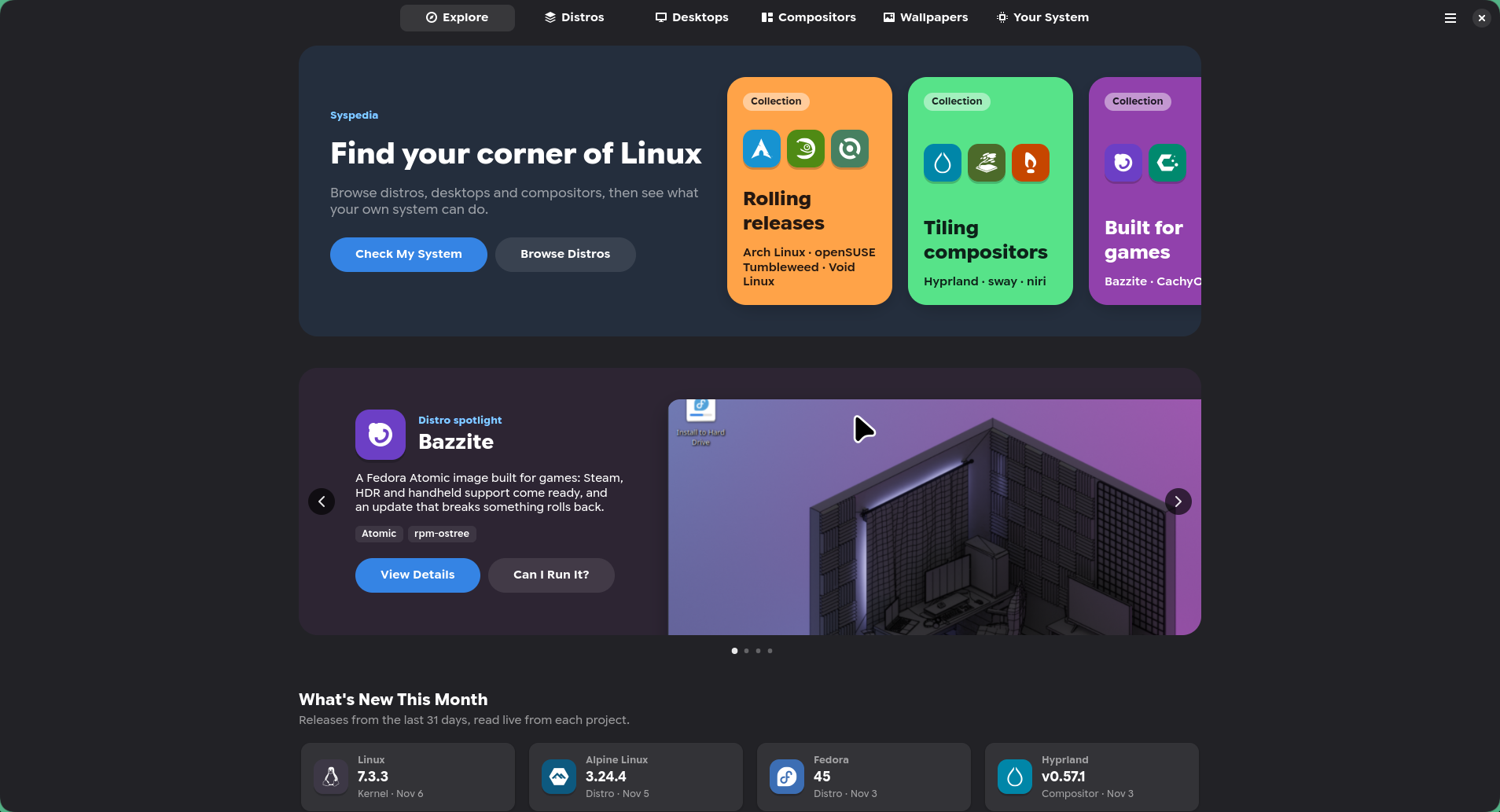
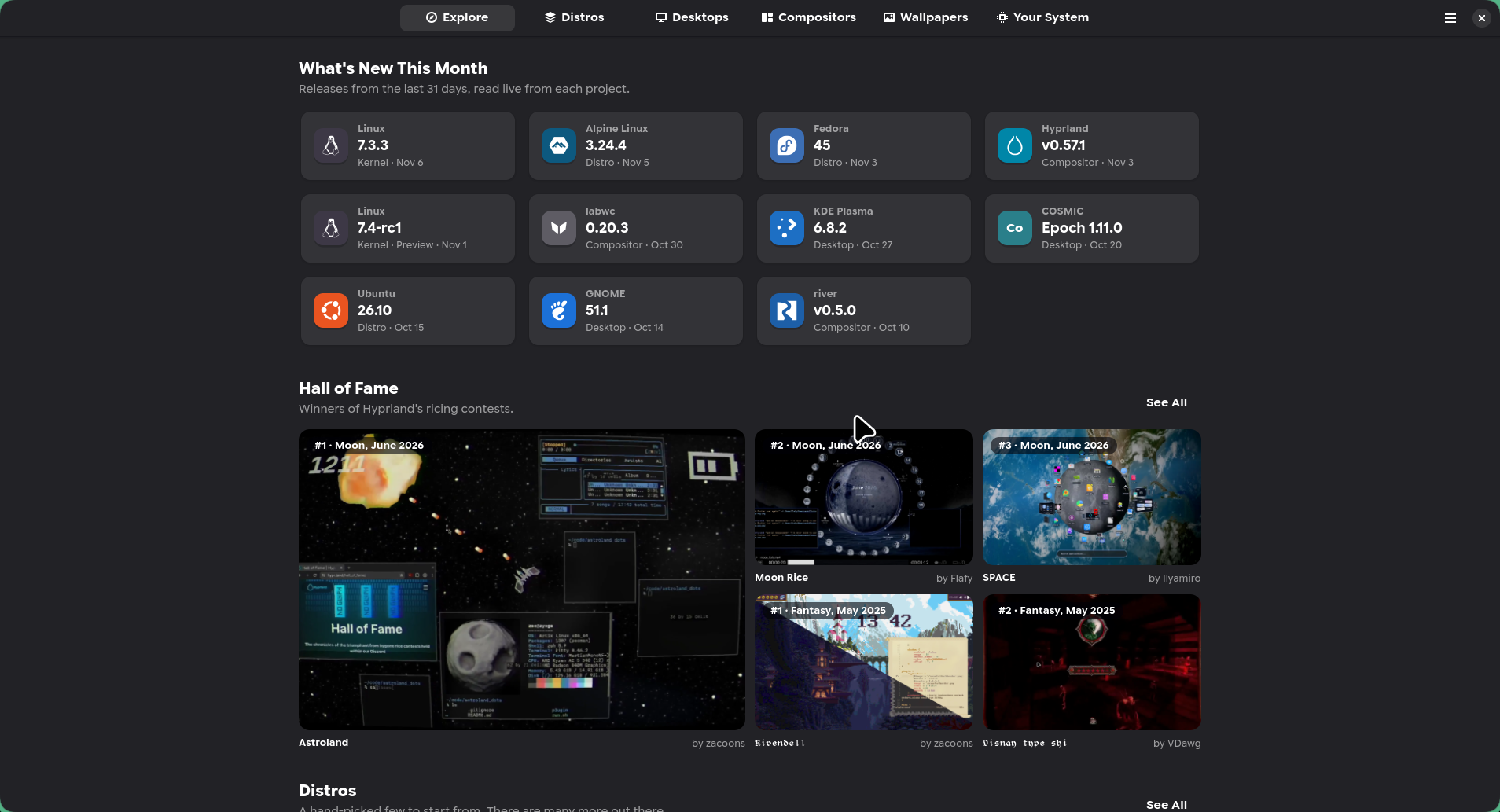
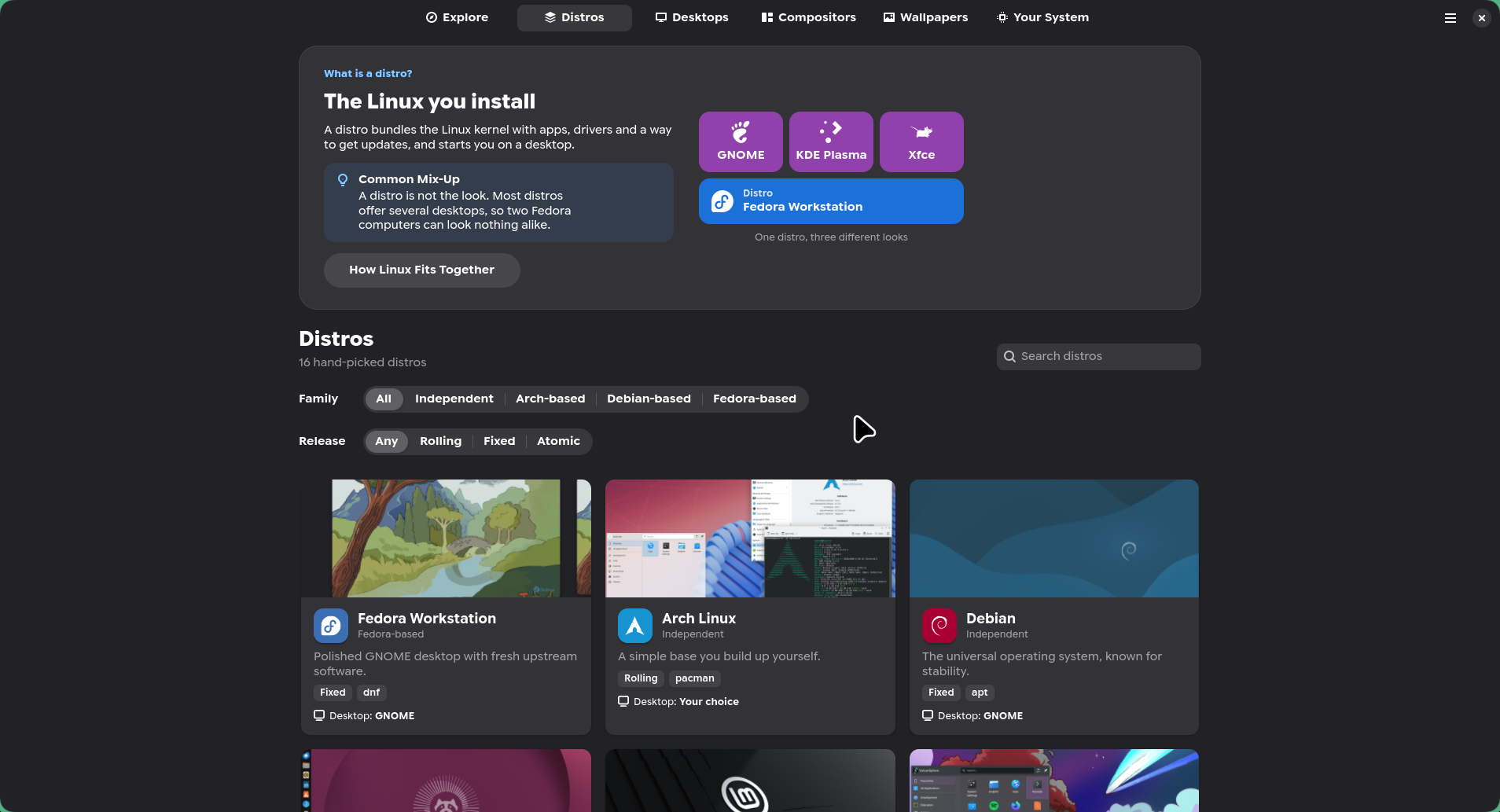
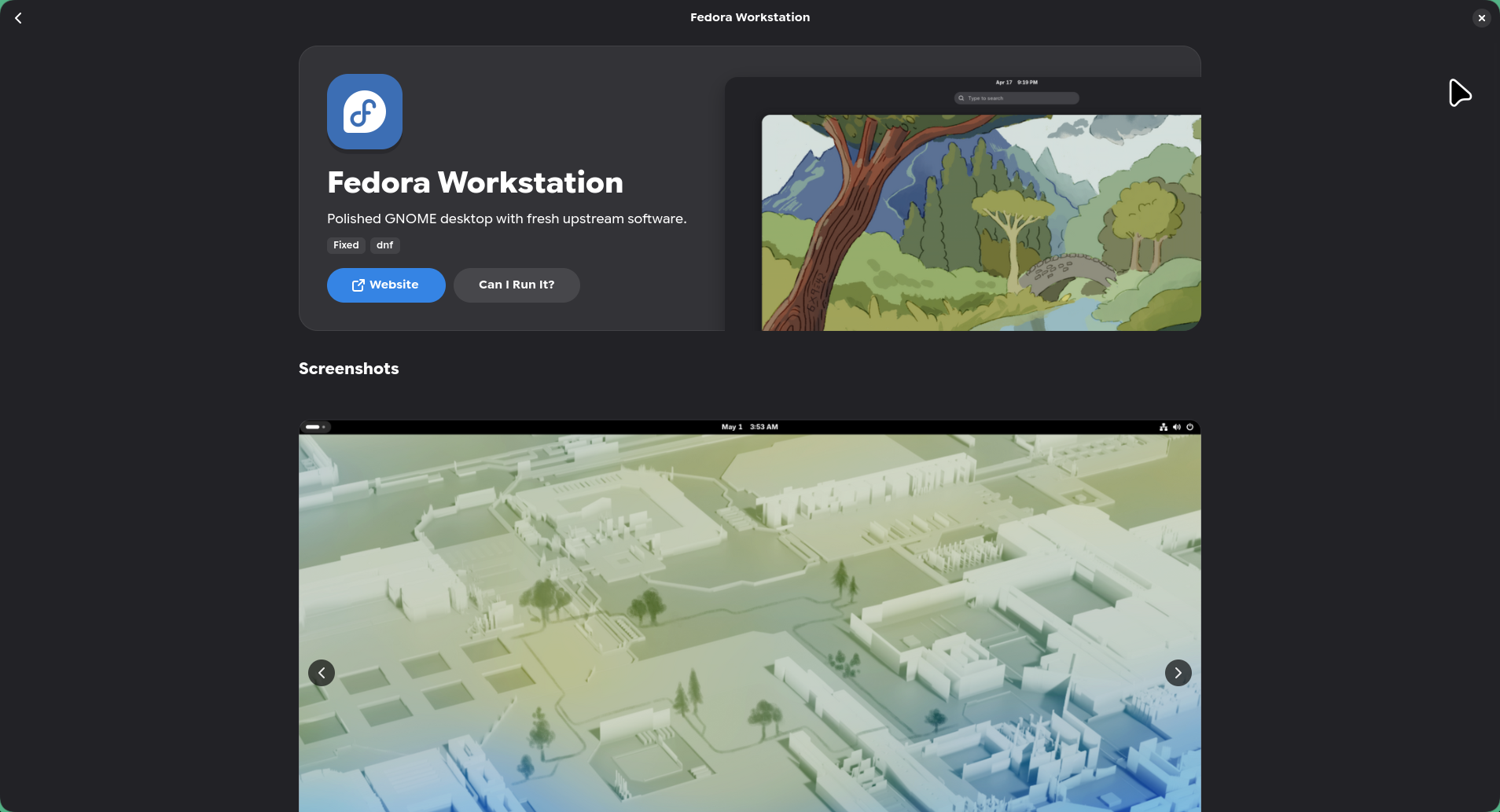
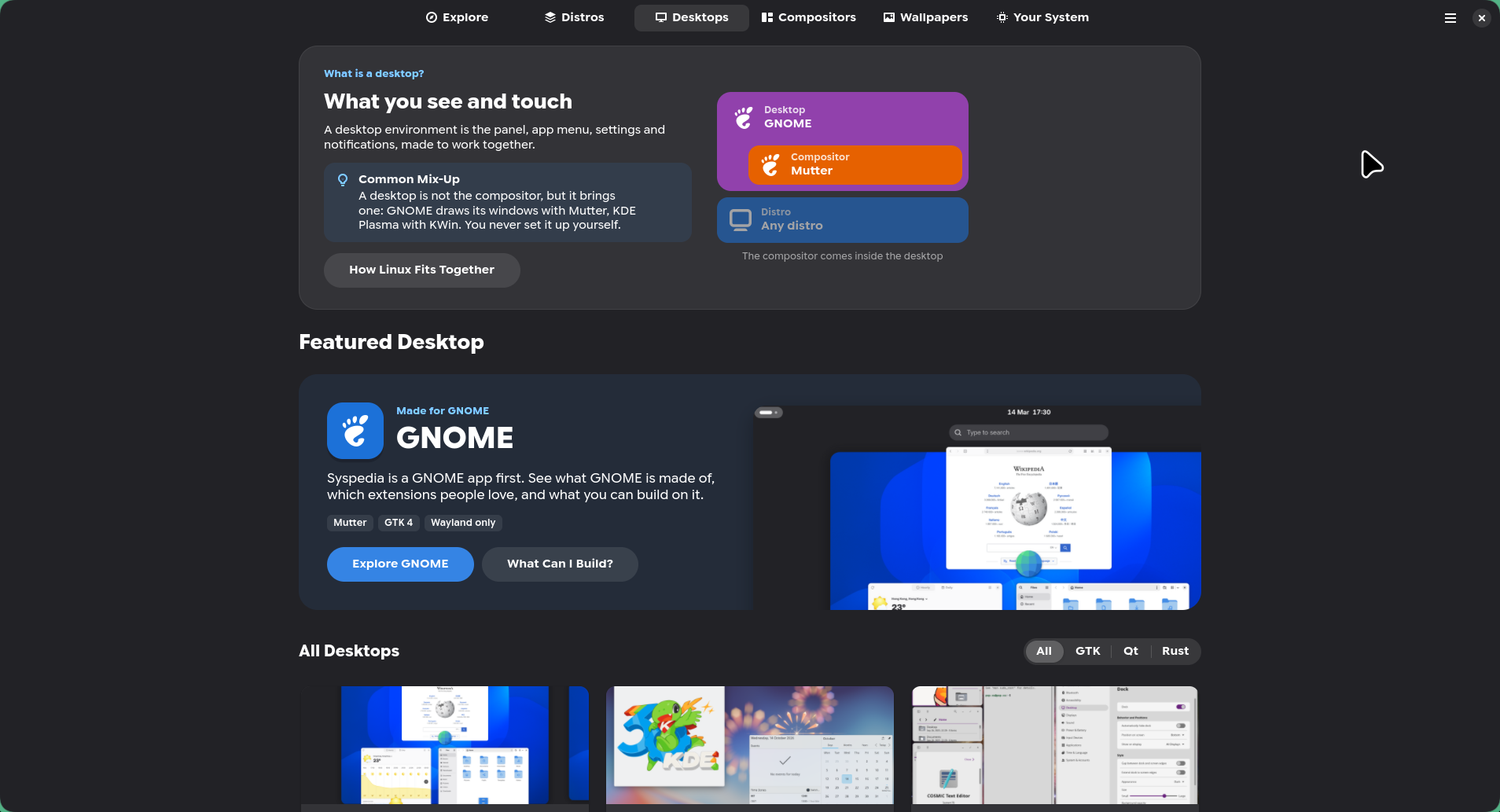
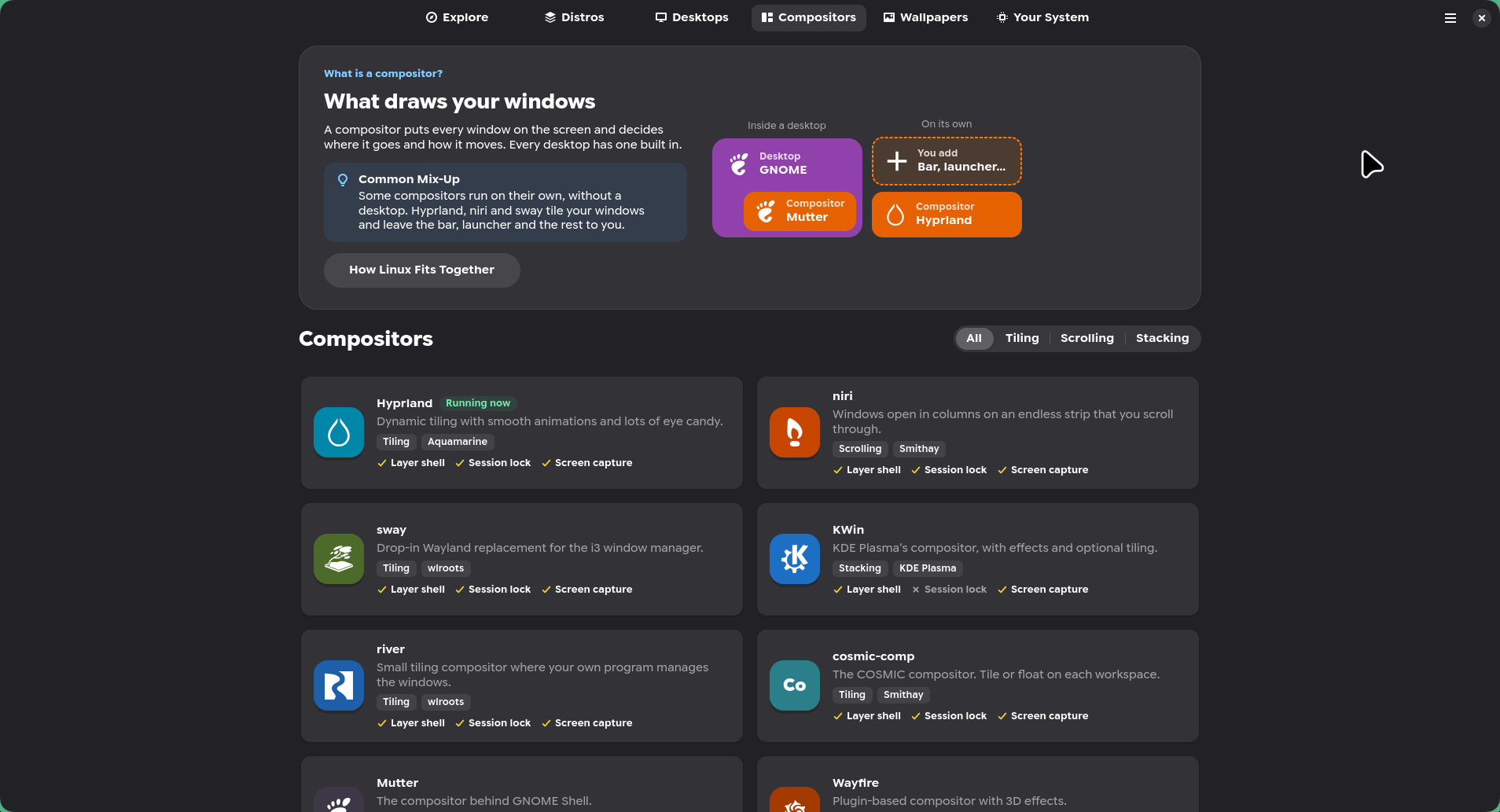
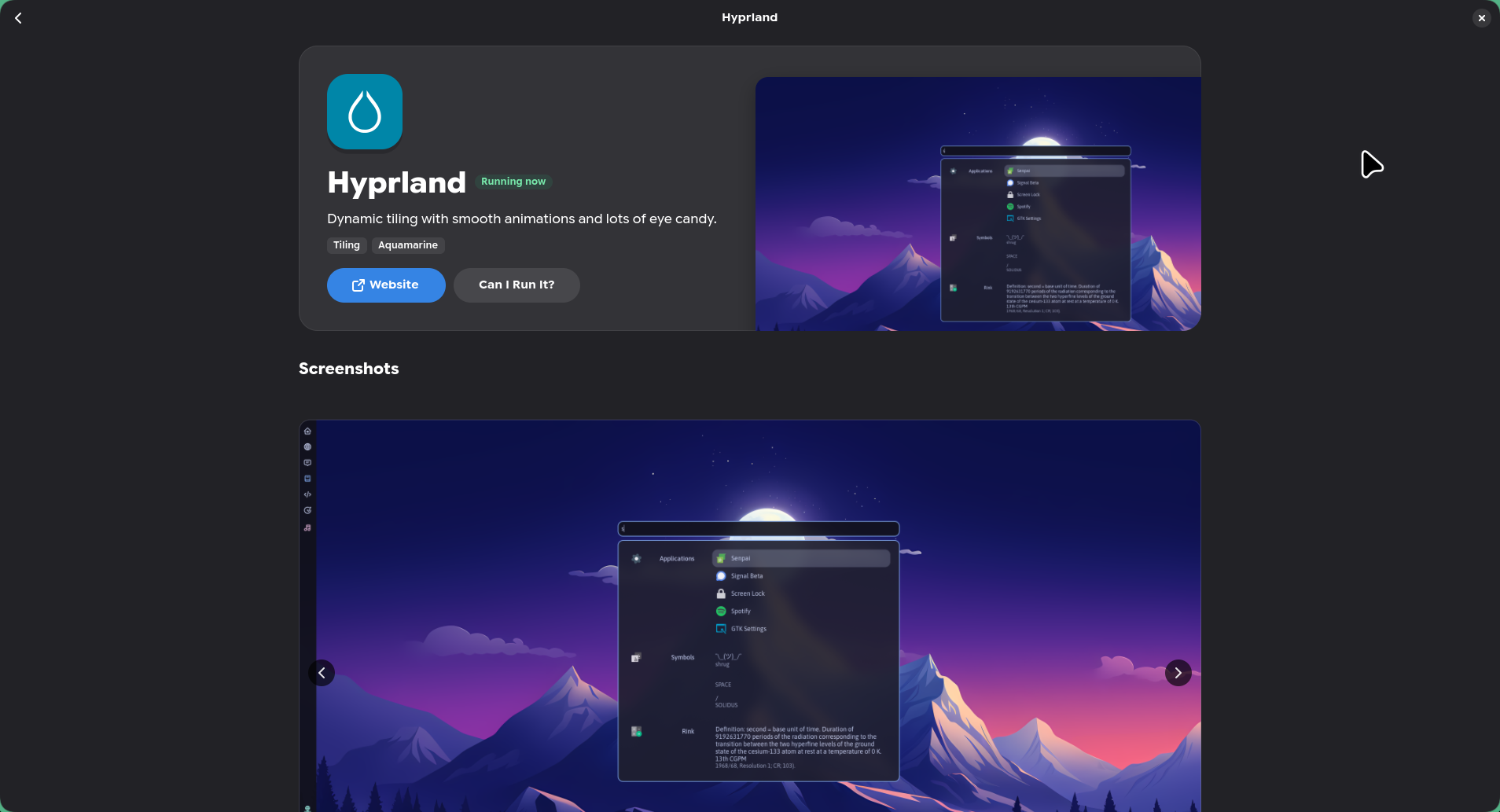
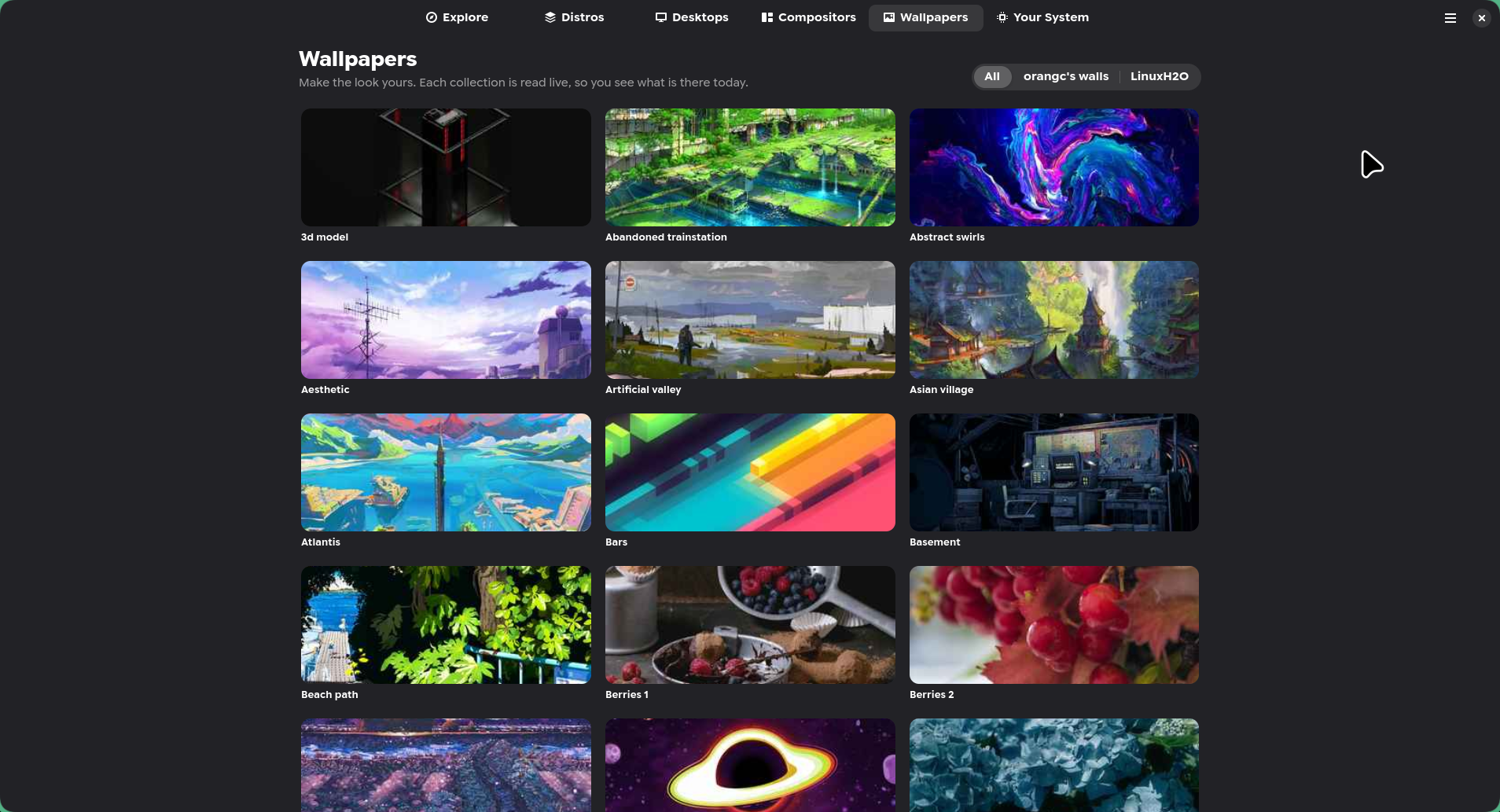
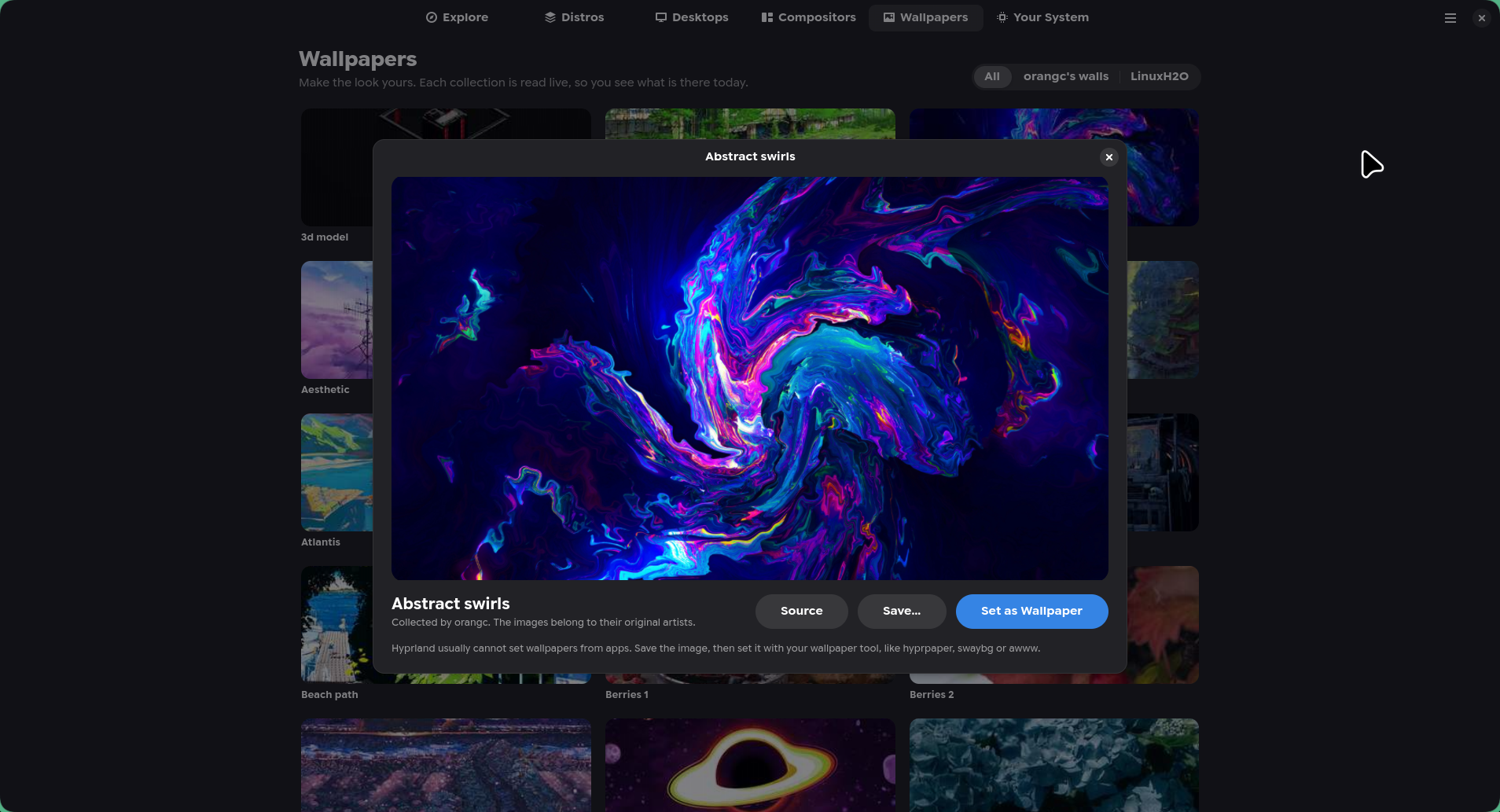
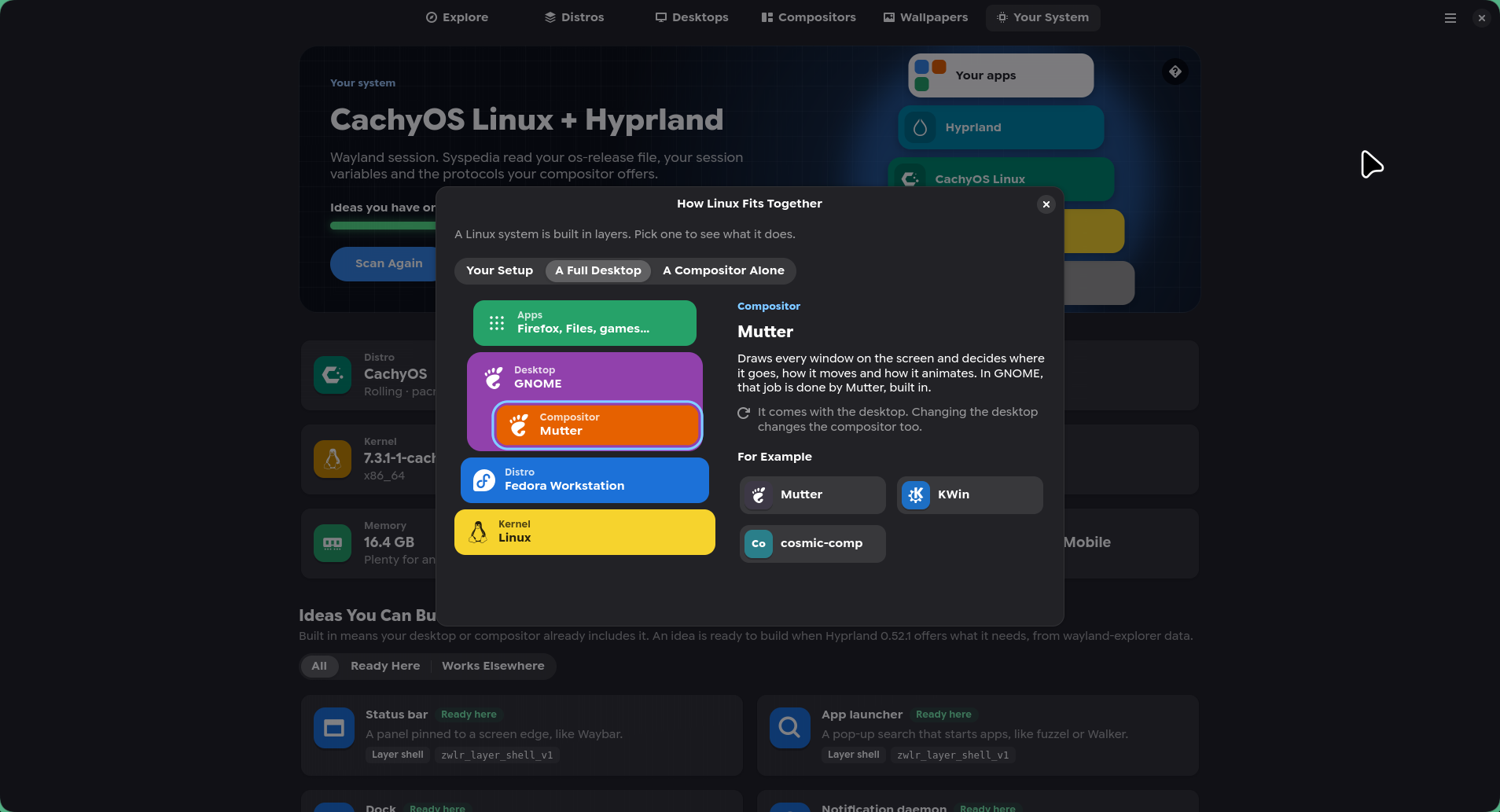
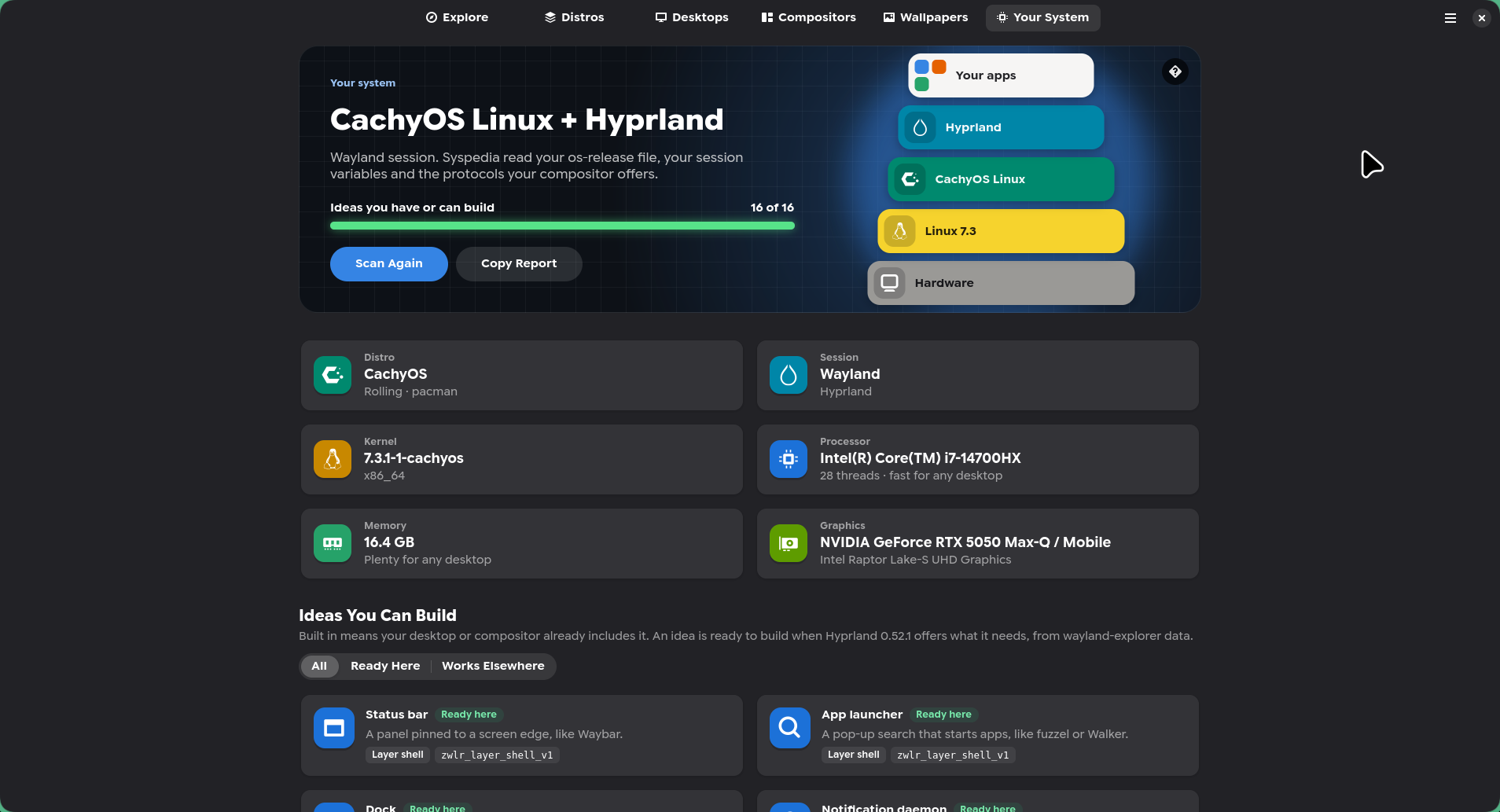

Syspedia is a friendly guide to the Linux desktop. Browse what people run, see how it looks, and find out what your own system can do. It is a guide, not a store: nothing is sold or installed from it.
- Galleries of distributions, desktops and Wayland compositors, each with a page of real screenshots
- How Linux fits together: what a distribution, a desktop and a compositor each do
- The winners of Hyprland's ricing contests, and setups people share, with links to get them
- Wallpapers you can preview and set
- Your distribution, desktop, compositor and hardware, and what you can build on them
- Can I Run It? checks your hardware and your distribution's packages
Install
Paste this into a terminal. It installs Syspedia with Flatpak, for your user only, with no sudo:
curl -sL https://omegaui.github.io/syspedia/install.sh | sh
Run the same command again to update. It does nothing when you already have the latest version.
Other ways to install
Build the latest release from source instead of using the ready-made bundle (takes a while; needs only Flatpak):
curl -sL https://omegaui.github.io/syspedia/install.sh | sh -s -- --source
Or download syspedia-x86_64.flatpak from the latest release and run flatpak install --user syspedia-x86_64.flatpak, or follow Build from Source in the README.
To remove it: curl -sL https://omegaui.github.io/syspedia/install.sh | sh -s -- --uninstall
Syspedia needs a Wayland session and Flatpak. The first install also fetches the GNOME runtime from Flathub (about 1 GB, shared with other GNOME apps).
Changes in version 0.1.0
The first release of Syspedia, a guide to the Linux desktop.
- Explore collections, spotlights, this month's releases and the Hall of Fame
- Browse 16 distributions, 9 desktops and 9 Wayland compositors, each with screenshots, facts and similar picks
- See what your system runs and which ideas, like a status bar or a lock screen, you can build on it
- Ask Can I Run It? for any desktop or compositor
- Preview wallpapers from artists' collections and set them
- The catalog updates every day without app updates